According to Spotify’s official website, Spotify has more than 400 million users. Together, these users listen to countless artists, songs, genres and playlists every year.
Digging into your Spotify data is like entering your own soul through a musical window. If you want to dig deeper into your listening habits, or share your tastes to find fellow listeners, there are a number of websites you can use to check your Spotify stats.
We’ve scoured every corner of the internet to round up 11 of our favorite sites for analyzing your Spotify data. So if you’re the type of person who looks forward to Spotify Wrapped or likes to share your listening habits, you’ll love these websites.
Please note that all of these sites require you to log into your Spotify account and give the site permission to access your Spotify data, we have included instructions at the bottom on how to remove access to each site after you have tried it.
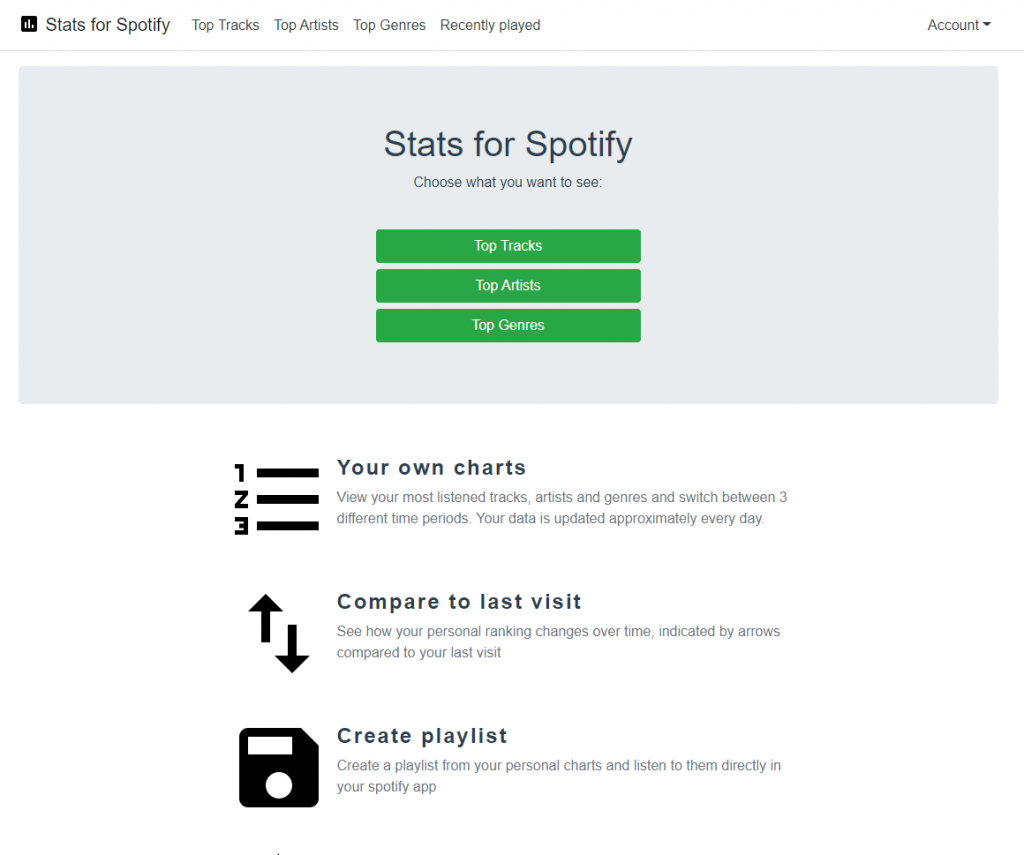
Stats for Spotify
StatsforSpotify is a classic data analysis platform that can show you the top songs, artists and music genres you listen to on Spotify. All this Spotify data is usually arranged based on last month, last six months, and all time activity you’ve had on Spotify.
While this is a basic stats page, Spotify’s stats show how your music tastes have changed over time. From your most played tracks to the artists and genres you listen to. Also, to use Stats for Spotify, you must link it to your Spotify account to analyze your Spotify activity.

Spotify Wrapped
You probably know about this one.
Spotify releases Spotify Wrapped at the end of every year. It’s a slideshow that shows you your favorite artists, songs, and genres from this year. You can also count how much time you listen to Spotify and the top 100 songs in your playlist (plus an extra song this year).
You don’t need to connect anything to your Spotify account to find it. When it’s released, it automatically pops up in your Spotify app, so you can watch the slideshow and share it with all your friends.
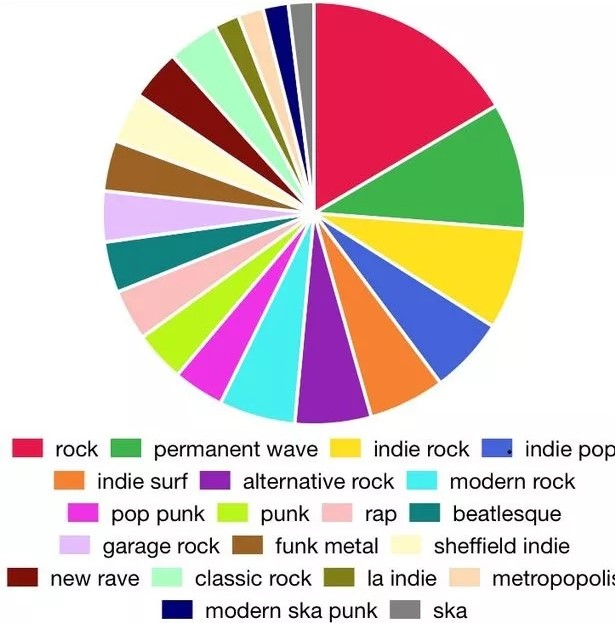
Spotify Pie
Spotify Pie is a website created by UCLA student Darren Huang. Spotify Pie analyzes your listening on Spotify and organizes it into a highly shareable pie chart of all the genres you listened to in the last month. Below the graph, the site also shows your most listened to genres and the top artists of the month.
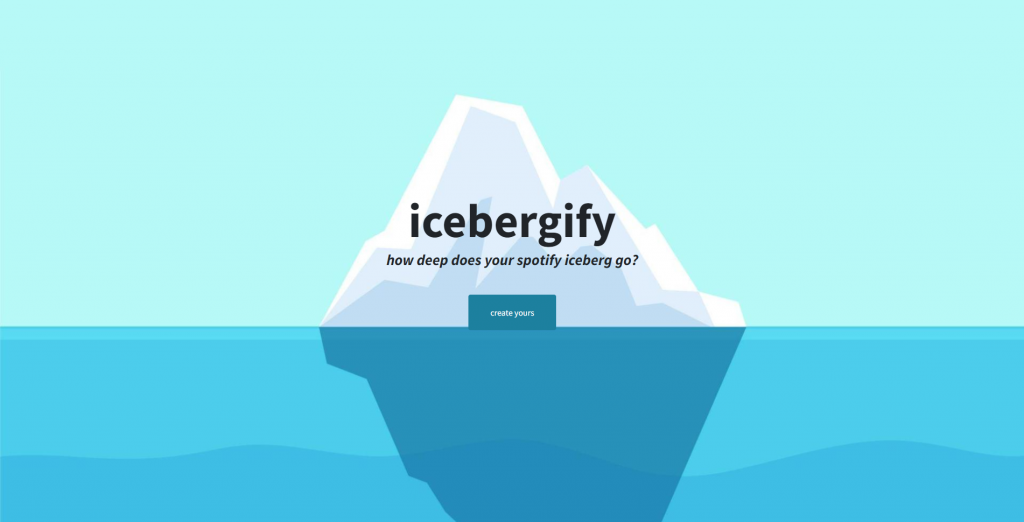
Icebergify (Spotify Iceberg)
As the name suggests, Icebergify creates an iceberg-inspired chart that highlights the artists you listen to the most on Spotify.
Icebergify captures short-, medium- and long-term audience trends for the top 50 artists and organizes them according to their popularity or obscurity. If an artist is hugely popular (think Beyoncé), they’re in their prime. But if you listen to a lot of Antichrist Siege Machine, they’re closer to the bottom. The tool may also pull in artists you haven’t listened to in months, and levels will appear blank if you don’t listen to popular artists.
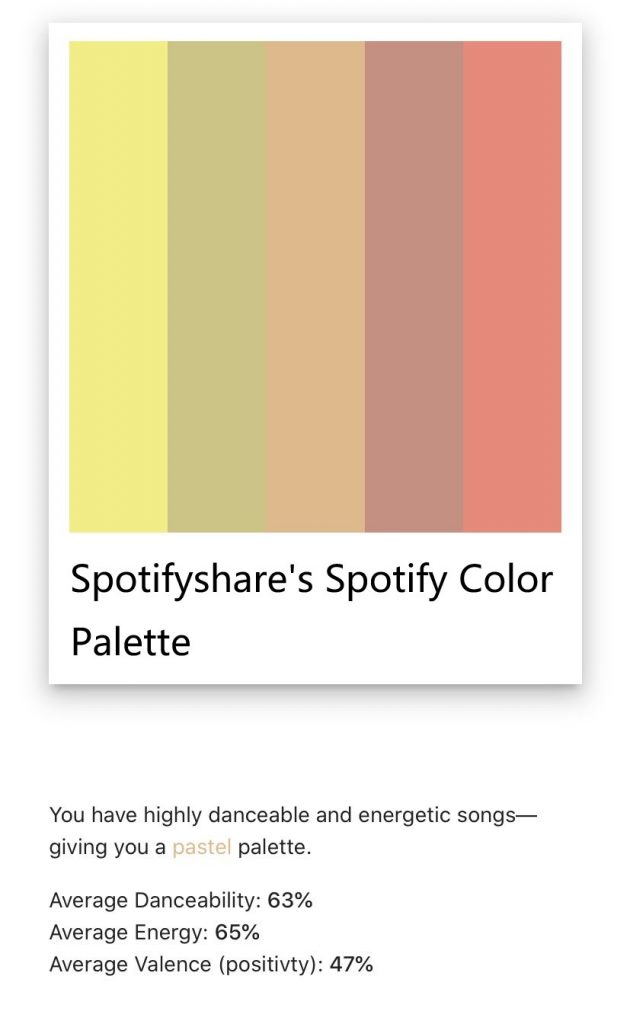
Spotify Color Palette
This site uses colors to describe your musical tastes. You must be logged into your Spotify account from their page to use the Spotify Color Palette. The platform helps you analyze the most played music of the past six months and presents the results in a color palette.
Colors gives you a breakdown and representation of color meanings based on your Spotify activity.
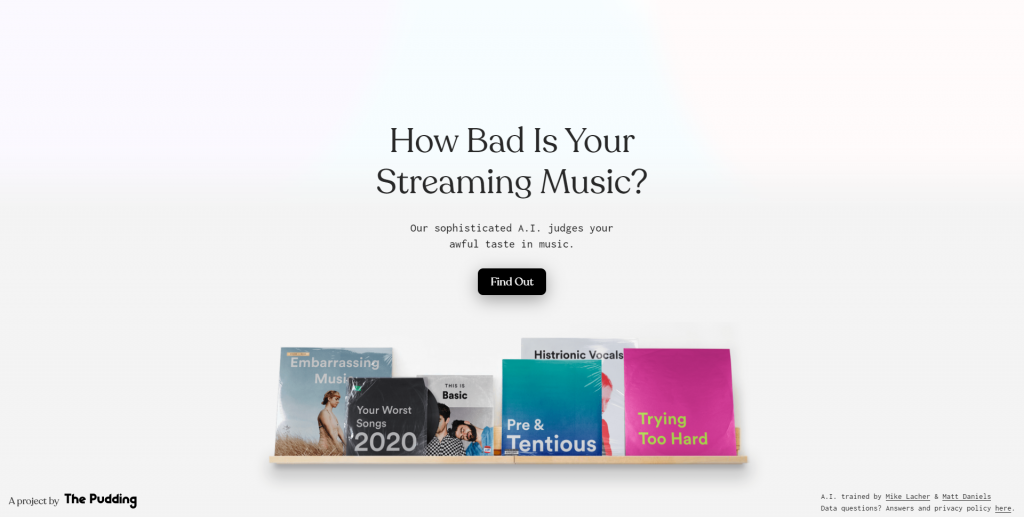
How bad is your Spotify
How Bad is Your Spotify is an artificial intelligence that judges your music taste. It rose to fame in 2020 for its snarky roasts on users’ listening habits.
The site reads your favorite artists and songs, asks you a few questions, and taunts you mercilessly. Be warned, it can get vulgar. No matter how vague your tastes, or how bad your Spotify is, you’re going to have a stereotype. Just don’t take it too personally – it’s a robot, after all.
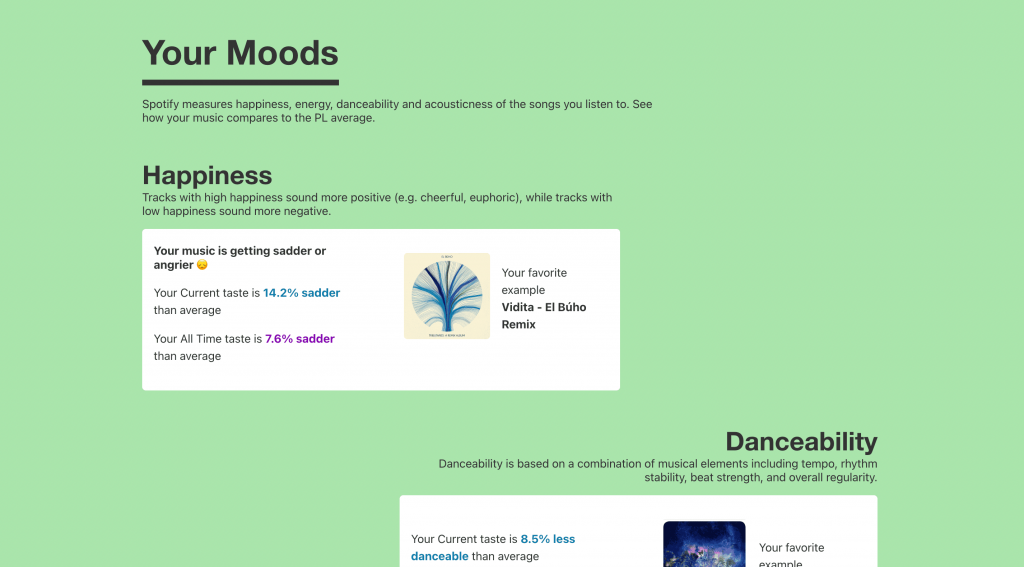
Obscurify
Like other sites, Obscurify will show you your top tracks, artists and genres. It also gives you a score on how “obscure” your taste is compared to other users, and a list of artists and songs you’ve listened to that others haven’t.
Scroll down and you’ll also find a “Mood” section, which measures how happy you are, how much you’re dancing, how energetic you are, and your listening taste — as well as how it compares to other users.
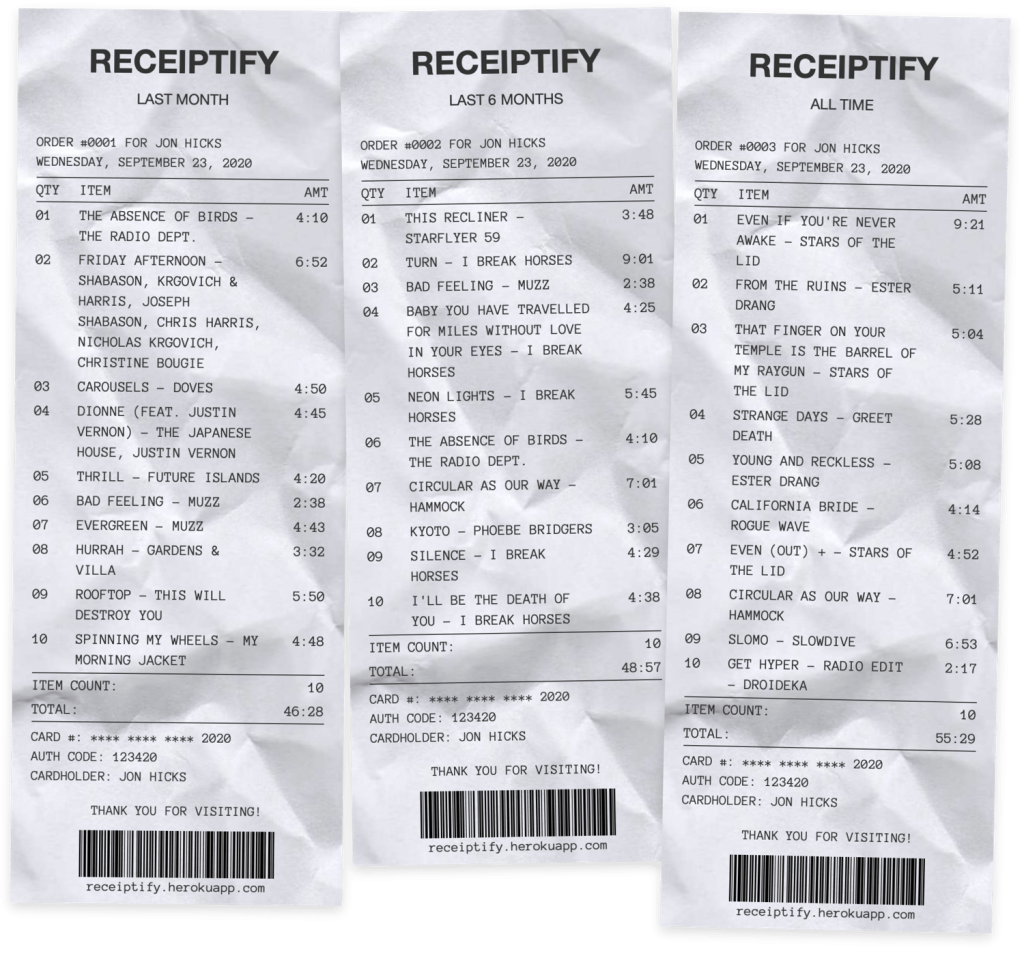
Receiptify
Receiptify is designed to display the top 10 most played songs by Spotify users over the past month, past six months and all time activity in receipt format.
As the name suggests, it’s like getting a receipt for something you bought. But in this case, it’s a receipt for your Spotify activity.
Receiptify works by gathering your data from Spotify to show you the music you listen to most, receipts from artists, and how many times you’ve listened to them.
It’s a simple gimmick, but perfect for a quick social media share.
Zodiac Affinity
If you’re an astrology lover, you’ll love Zodiac Affinity. Connect to Spotify and select your zodiac sign from the drop-down menu. The site will give you five of your recent favorite songs that are a great match for your logo. Honestly, we don’t know what the criteria is here.
Discover Quickly
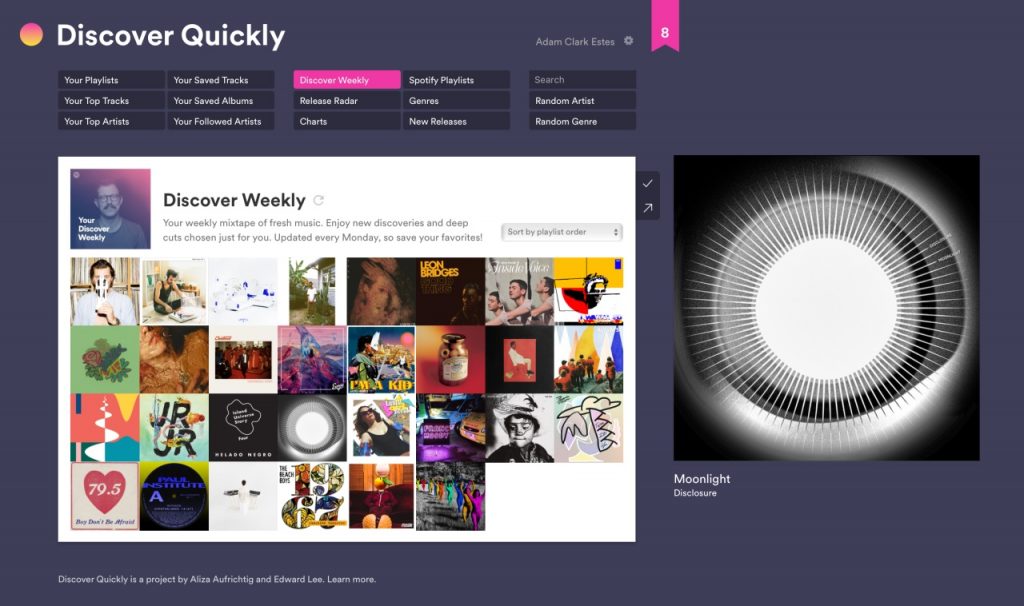
Discover Quickly is described as a “music discovery interface” designed to help you discover your next favorite artist or song.
You can hover over songs to preview how they sound, click on a song for more information, receive recommendations of related artists and songs, and save songs to build your favorite collection.

Instafest
Instafest generates a personalized festival lineup of the artists you listen to most on Spotify. The more you listen to an artist, the more their name will pop up in your lineup. You can choose festivals based on top artists from the past month, past six months, or all time. You can also toggle the aesthetic of the graphics. So, who is your headliner?
How to unlink your Spotify
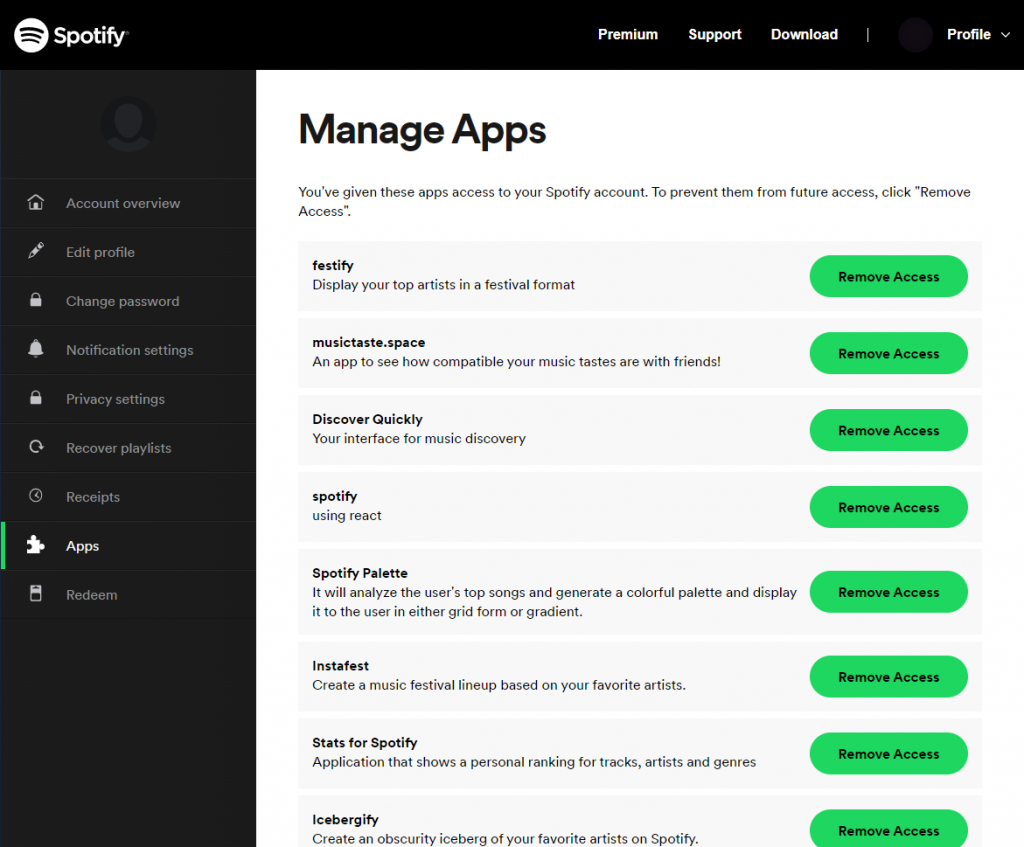
After you’ve had your fun poking around your data, you can easily deauthorize each site from your account by going to the Spotify app settings and selecting “Remove Access”.



-副本.png)
Leave a Reply