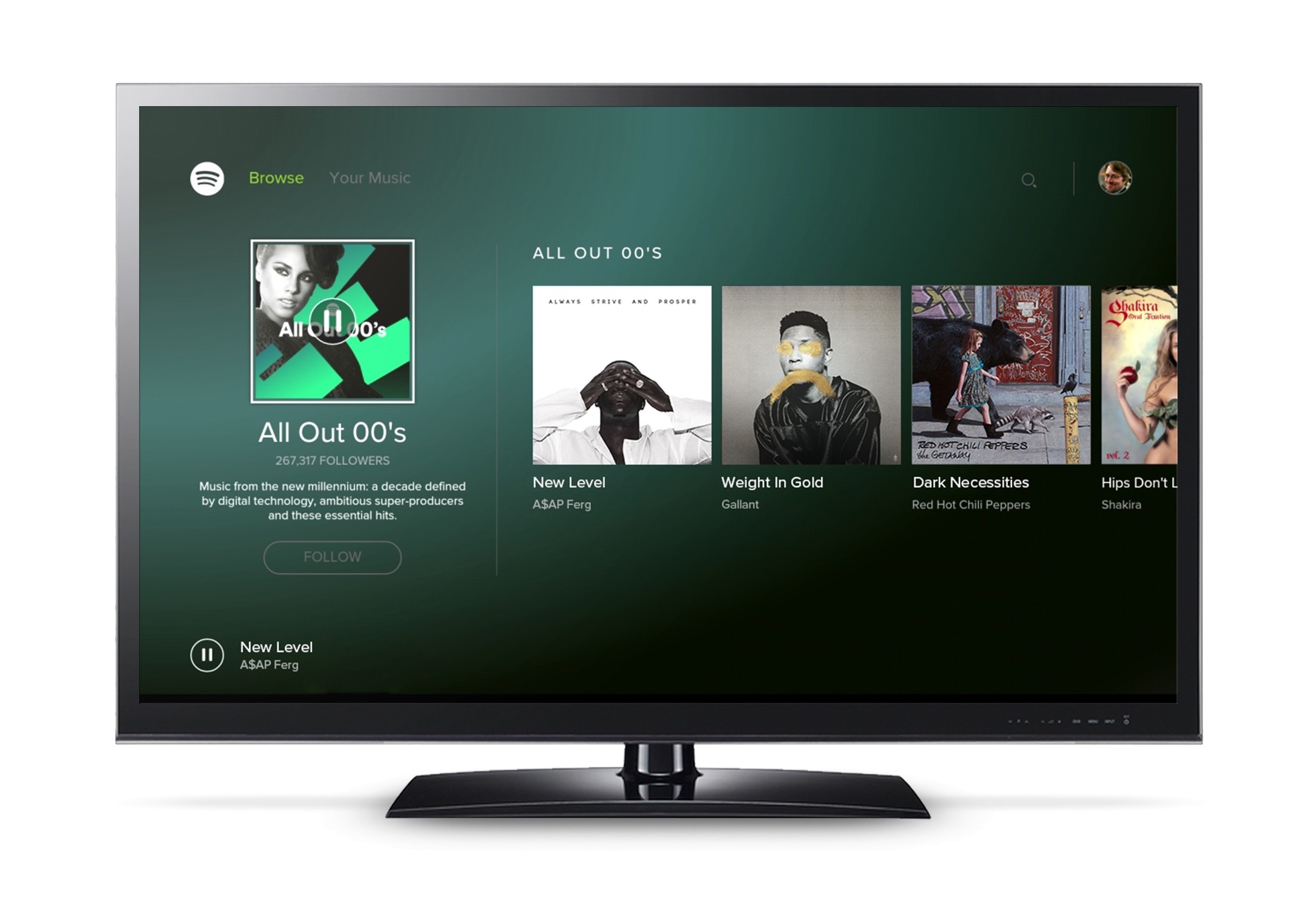
Spotify has become one of the most successful and popular music streaming apps due to its extensive repertoire and ease of use. Spotify is now available on almost every device in the world, but what about the TV? Well, now you can connect Spotify directly to your TV with a simple link “spotify.com/pair“
The first check is, does your TV support Spotify?
Many TVs offer the Spotify app. Check the app store on your TV or set-top box and search for Spotify.
Open the Spotify app on your TV and log in in one of the following ways:
- Enter your Spotify email address and password. If you usually log in with Facebook, create a Spotify password to log in with your email address
- Open the Spotify app on your phone or tablet and use Spotify Connect to find your TV
- Select LOG IN WITH PIN. Then on another device go to www.spotify.com/pair and enter the pin code you see on the screen
If your Spotify is not working on your TV, here are some things you can try
- Make sure your TV is connected to the internet
- Check your TV App Store for any updates to the Spotify app
- Check if your TV software is up to date
- Restart the Spotify app
- Restart TV
- Restart your WiFi
- Delete the Spotify app and reinstall it on the TV
- Try a different WiFi connection if possible
- If Connect doesn’t work on Android TV – make sure you allow Spotify to appear on top of other apps. Go to Settings > Apps > Special App Access > Display Over Other Apps
Using Spotify on game consoles like Xbox and Playstation is similar to a smart TV.
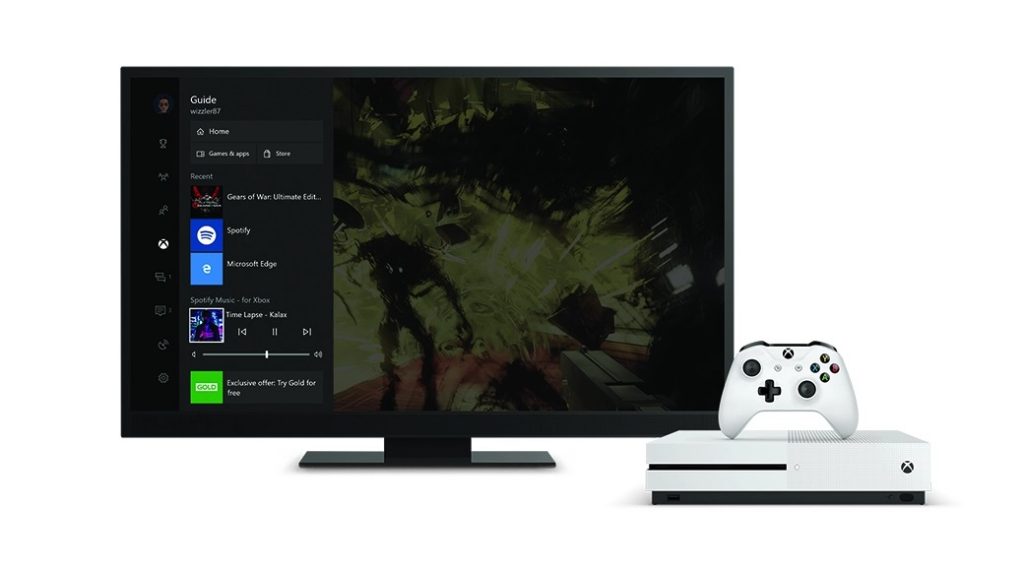
First, download the Spotify app on your Xbox or Playstation
Open the Spotify app on your console and choose one of the following ways to log in:
- Enter your Spotify email address and password.
- Open the Spotify app on your phone or tablet and use Spotify Connect to find your device.
- Select LOG IN WITH PIN. Then go to www.spotify.com/pair on another device and enter the PIN code you see on the screen.
When you play Spotify on your Xbox or Playstation, the music will continue playing when you start the game.
Tip: If the game allows it, you can disable in-game music for the best Spotify experience.
For Xbox users, you can use Cortana to voice control the Spotify. You can also control Spotify by pressing the Xbox button while you are gaming.



-副本.png)
Leave a Reply