It’s the start of a new year, which means it’s time to look ahead — and if you’re a Spotify listener, it will be exactly one year ahead.
Spotify just launched a new feature called “Playlists in a Bottle,” which lets you create a time capsule of at least three songs for your future self. Once the playlist is complete, it will disappear until January 2024, making you nostalgic for what you heard in early 2023.
The bottled playlists feature will be available to Spotify free and paid subscribers until January 31. Once February starts, it goes away.
How to make a ‘Playlist in a Bottle’ with Spotify
First, make sure you’re logged into the Spotify app on your phone and it’s fully updated.
When you’re ready, go to your playlist on the Bottle home page on your phone. If the link takes you to Spotify’s app store page, just click to open it.
It is recommended that you use the browser that comes with your phone, such as Safari. When I try to open it in chrome, it directs me to Spotify’s Google Play page and wants me to install it on more devices.
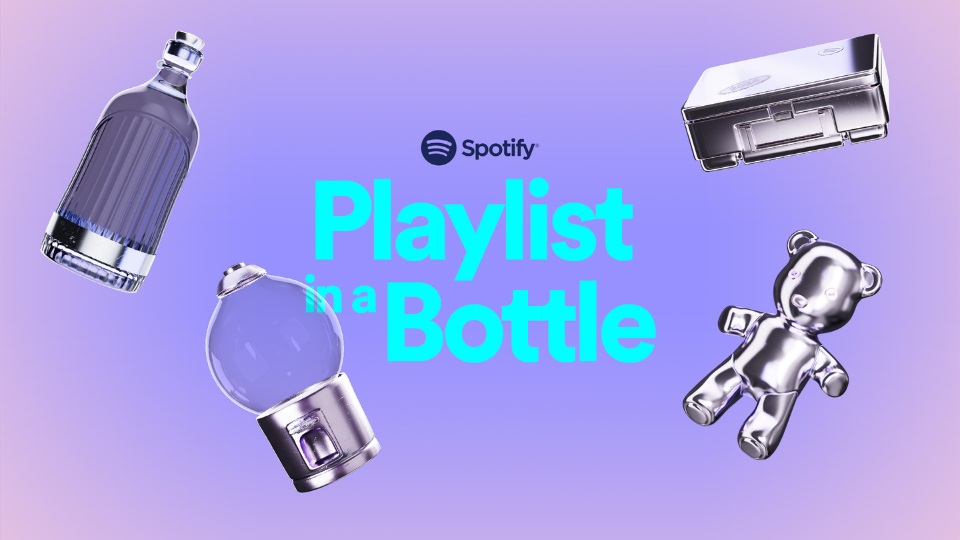
Tap Start, then choose the item you want to save your Time Capsule playlist to: Bottle, Pocket, Gumball Machine, Lunchbox, Acorn, or Teddy Bear.
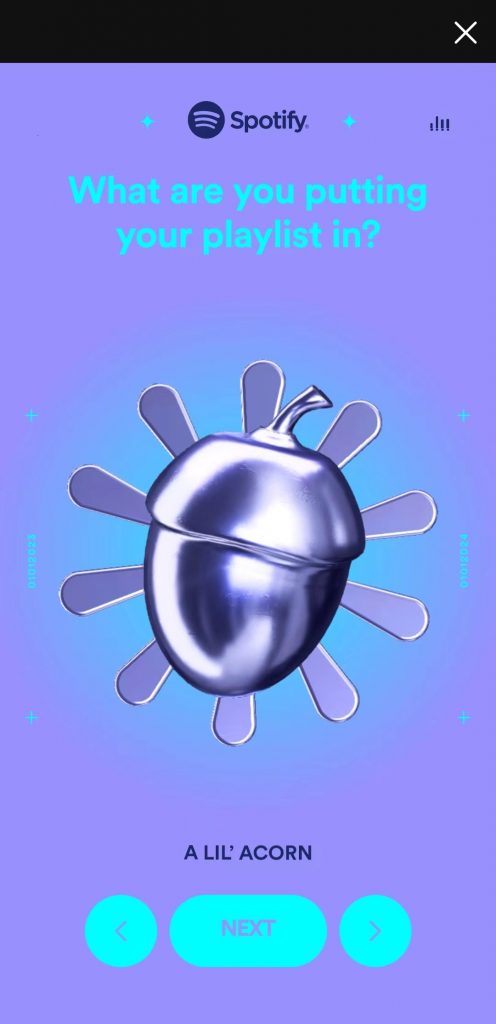
The user will then be given a series of prompts. Users have to answer questions with songs. You can type in a title and choose from the search result or keep tapping on the random button until you find the song in your mind.
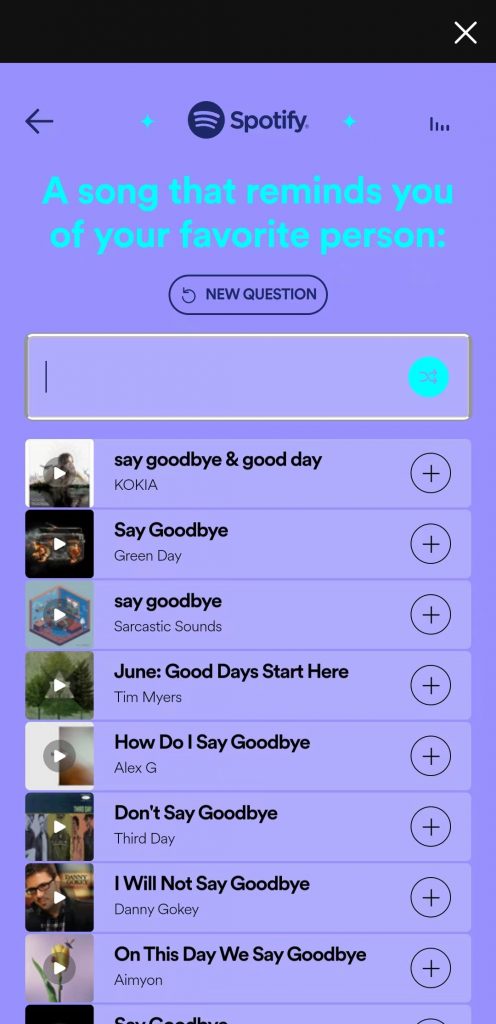
What Will Prompts Include?
A song you need to hear live in 2023
A song that sounds like the year 3023
A song that’s going to be this summer’s anthem
A song you’re going to kiss someone to this year
A song you’d pay to hear for the first time again
A song that should be here just because
A song that won’t make any sense a year from now
A song that’s going to be a classic by next year
A song you’re secretly obsessed with
A song you’re convinced was written about you
These prompts appear to be drawn at random from a vast pool of prompts, and we encountered the above prompts before seeing repeated ones.
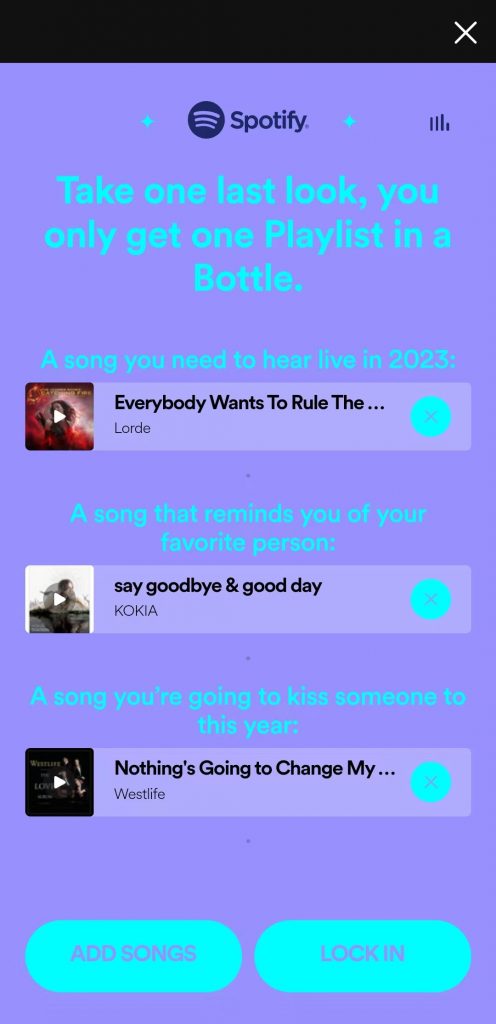
You only need to choose three songs, but you can add as many as you want—after adding the third, just tap KEEP GOING. However, once you’re ready to finish the time capsule, click I’M DONE. Review your playlist choices. To change your picks, tap any of the songs you chose; to add more, tap ADD SONGS; and to finish, tap LOCK IN.
Once you’ve locked in your choices, Spotify will seal up the playlist and give you a card you can share on social media to tell others what you picked.
In January 2024, Spotify’s List in a Bottle subscribers will be notified of playlists they made a year ago. Like Spotify Wrapped, the Spotify List in a Bottle feature is only available for a limited time. Spotify will shut down the feature on January 31, 2023.
If you fidget and miss your chance, you can still listen to Spotify Wrapped playlists you saved when the feature was available, or access your Spotify stats like top artists through third-party apps like InstaFest.app, Festify and Receipt Songs and trend statistics. Like Spotify Wrapped, these apps offer a fancy way of sharing listening stats with users. Spotify also has different features throughout the year that are the same type of playlist management as Spotify Wrapped, like special playlists for your favorite pets.



-副本.png)
Leave a Reply